Free menu maker app
Make a beautiful menu on your phone.
Print it, put its QR code on every table, and change your prices whenever you like: the same code always opens your latest menu. Free, for cafés, restaurants, salons and every small business with a price list.
- Free to use
- Any language & currency
- No design skills
For Cafés, Restaurants, Bakeries, Food trucks, Pizzerias, Hair salons, Barbers, Juice bars, Nail studios, Burger joints, Ice cream shops, Car washes, Sushi places, Market stalls.
How it works
Three steps to a menu you’re proud of
-
Pick a design
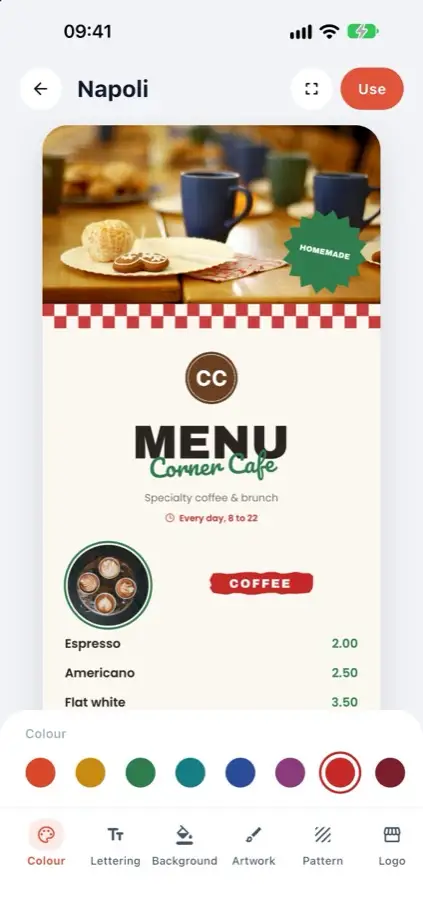
Browse a big, growing library of designs, each shown with your own menu in it. Change the colours, lettering, background and artwork.
-
Add your items and prices
Type your items, prices, sizes and descriptions. Add photos, your logo and opening hours. It’s saved on your phone as you go.
-
Print it and share the QR code
Print a ready-to-print PDF at home or at a print shop. Your QR code comes as table cards, a table tent, stickers or a poster.
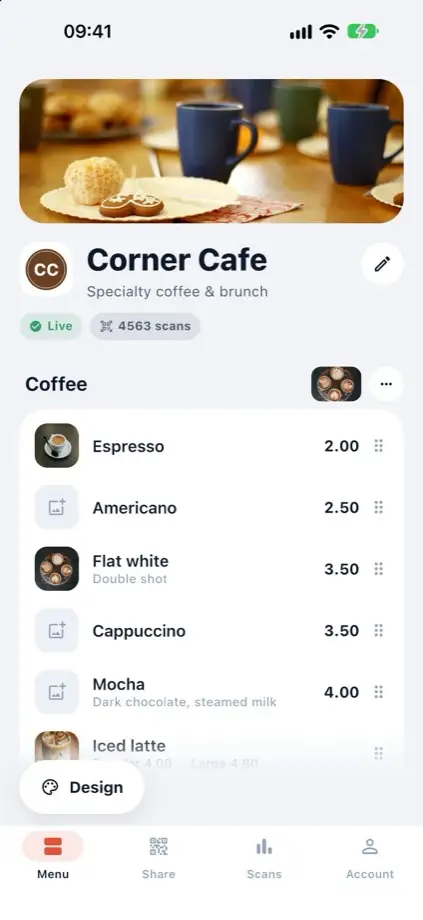
Change it any time
New prices.
Same QR code.
Prices go up, dishes sell out, the menu changes with the seasons. Change it in the app, tap Publish changes, and the code already on your tables opens the new menu.
Monday: the menu you printed the QR code for.
Friday: two new prices, a new pizza and a sold-out side. Nothing reprinted.
- Reprint every menu
- Tap Publish changes
Designs
A design for every kind of place
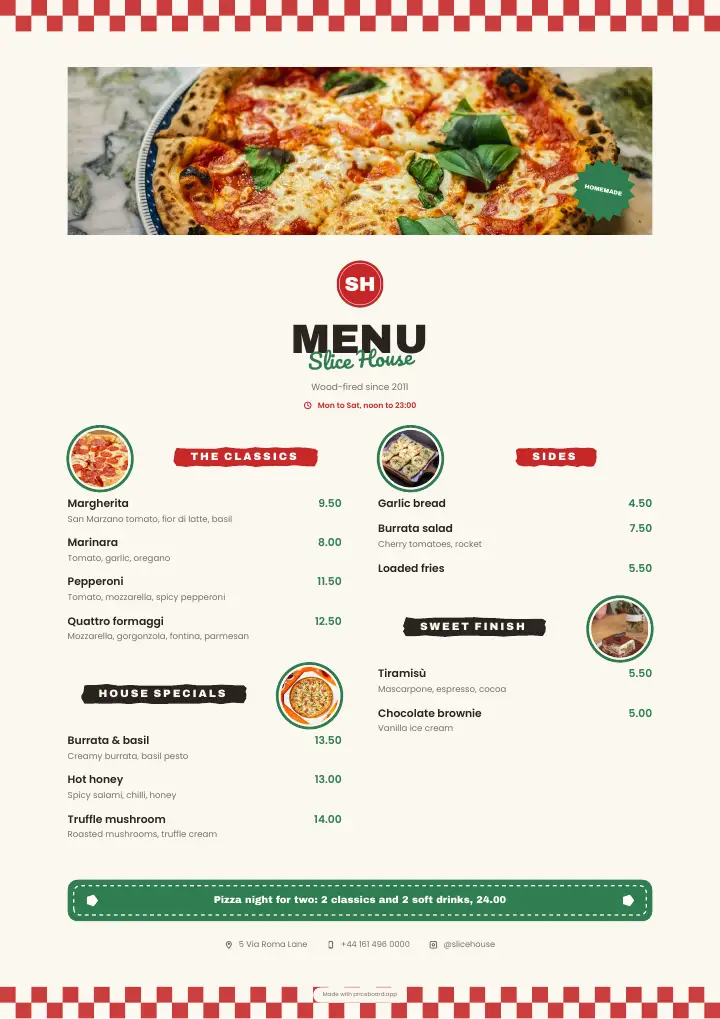
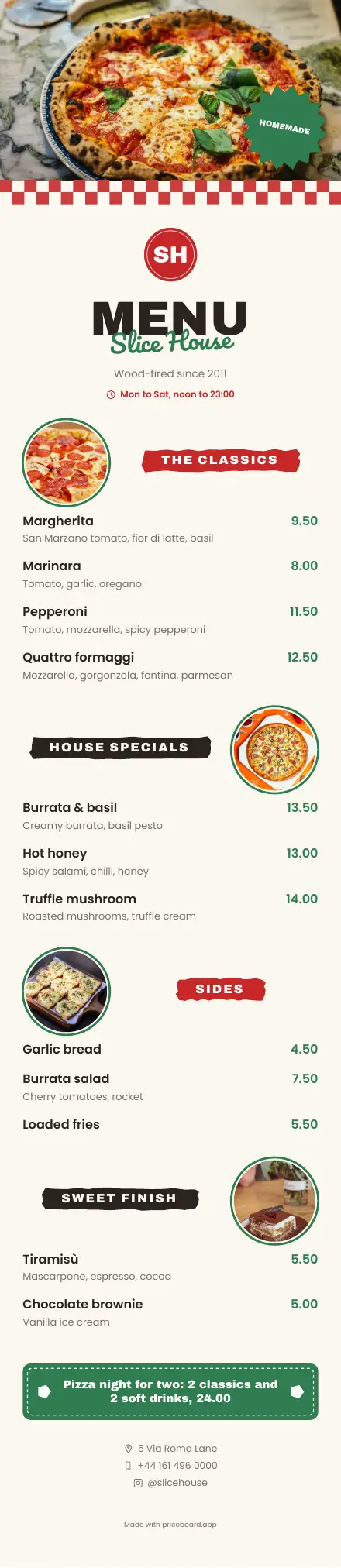
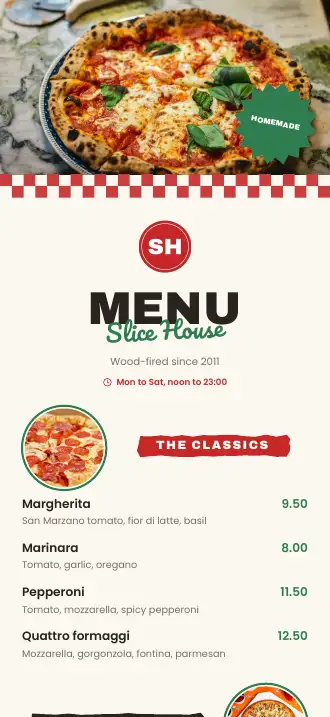
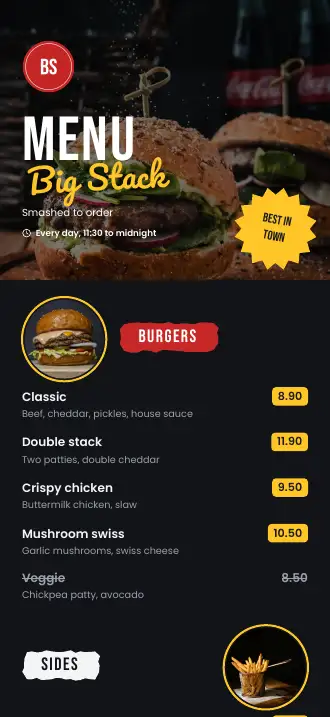
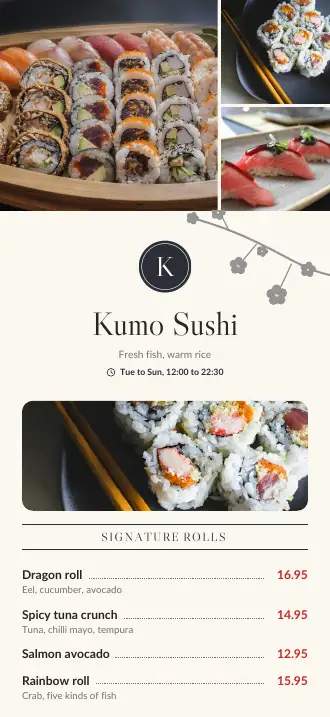
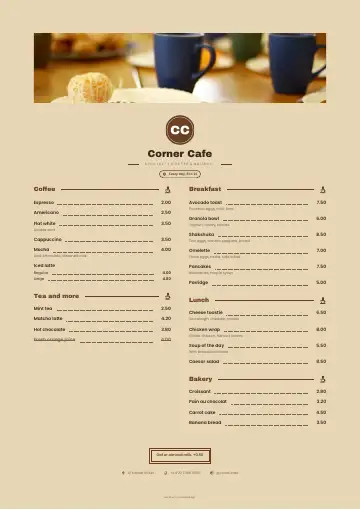
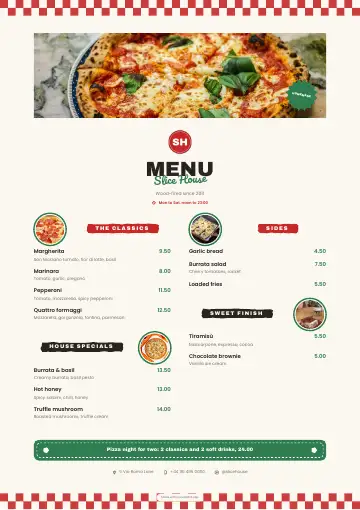
A big library of menu and price list designs, with new ones added regularly: some made to be read on a phone, others to be printed. These are real menus, made in Priceboard.
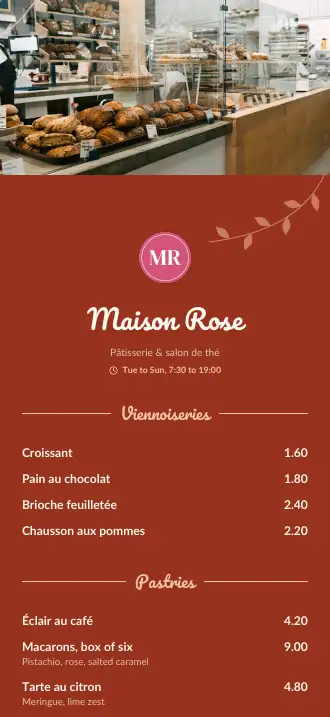
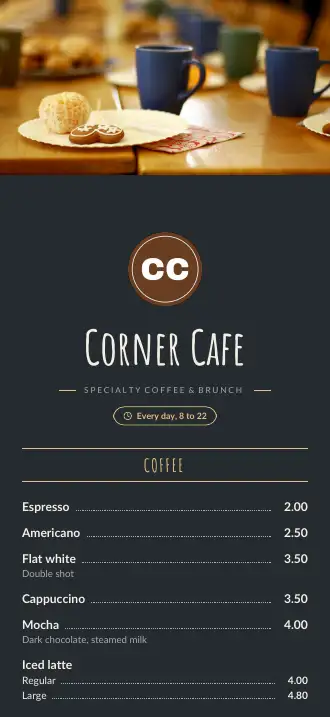
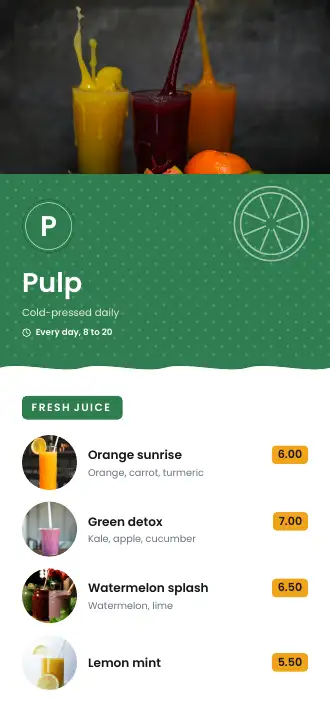
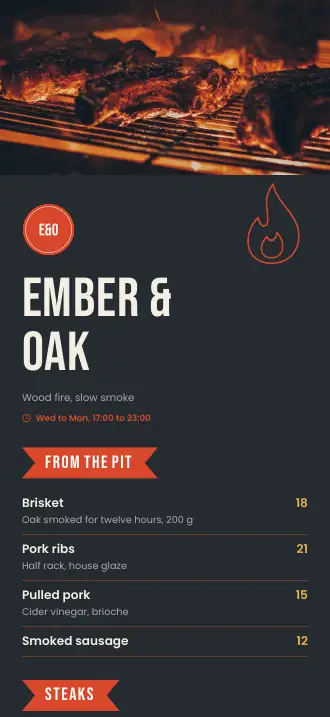
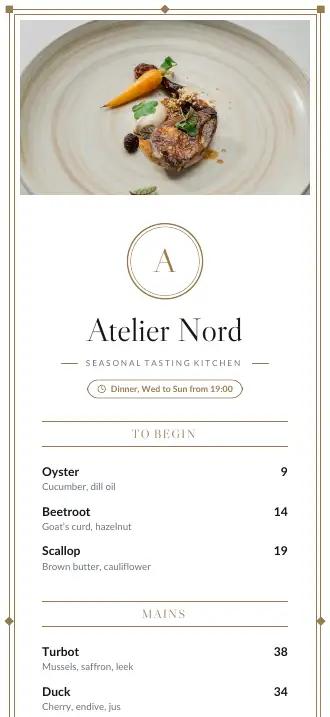
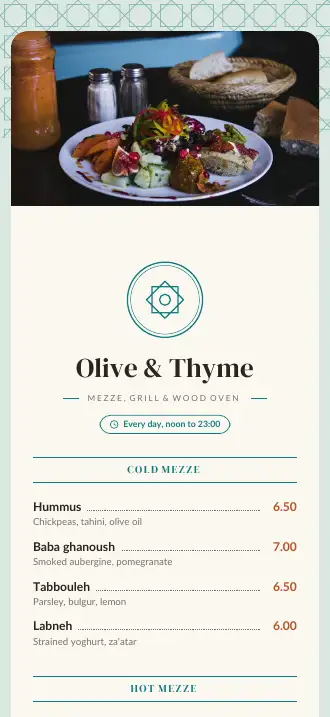
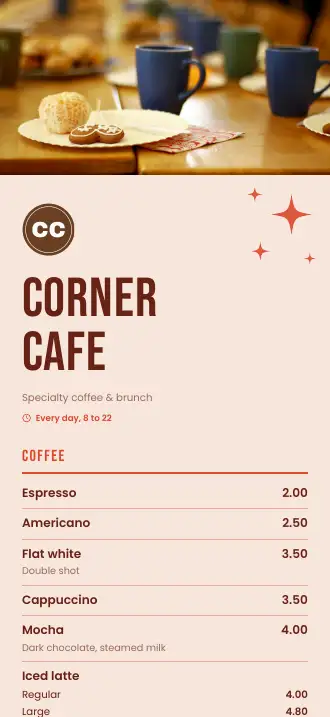
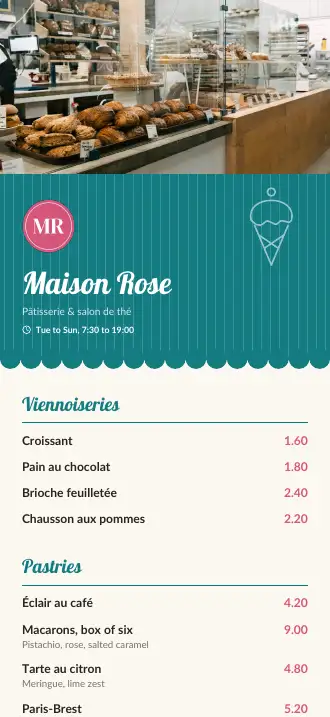
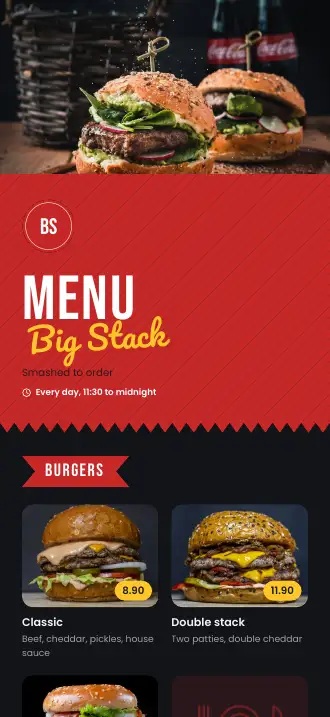
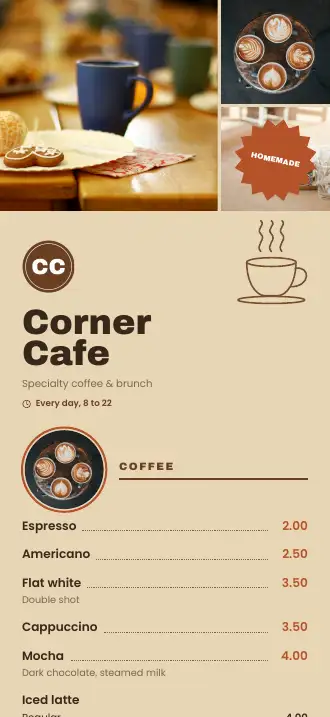
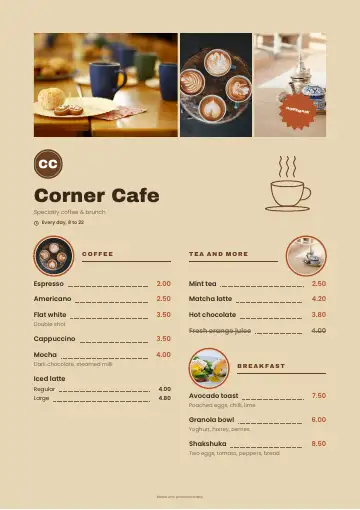
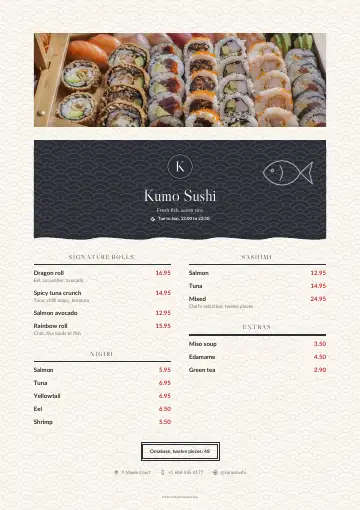
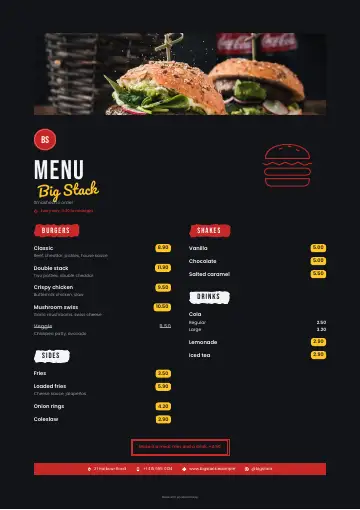
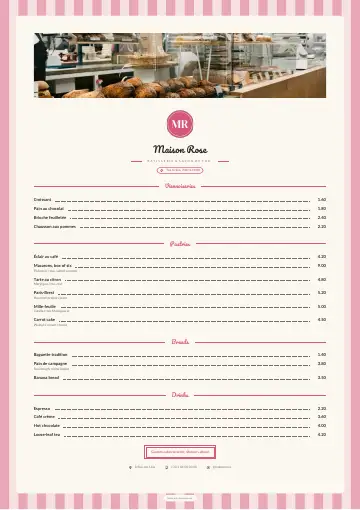
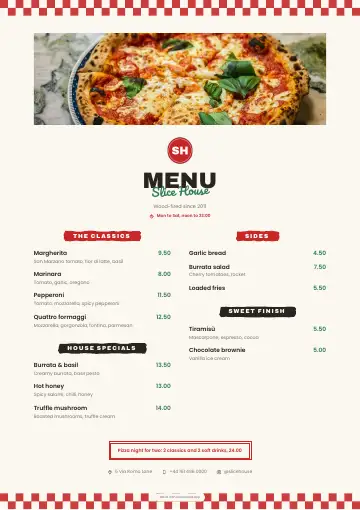
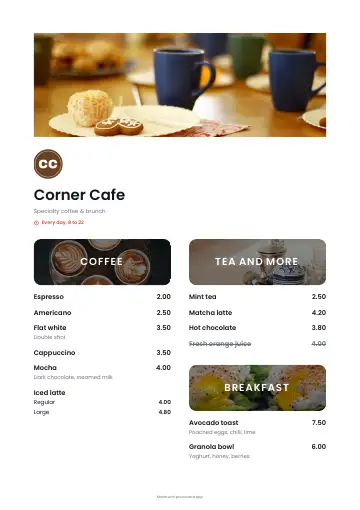
- Text only
- A photo of every item
- A photo over every section
- Your colours & lettering
Everything included
Everything a small menu needs. Free.
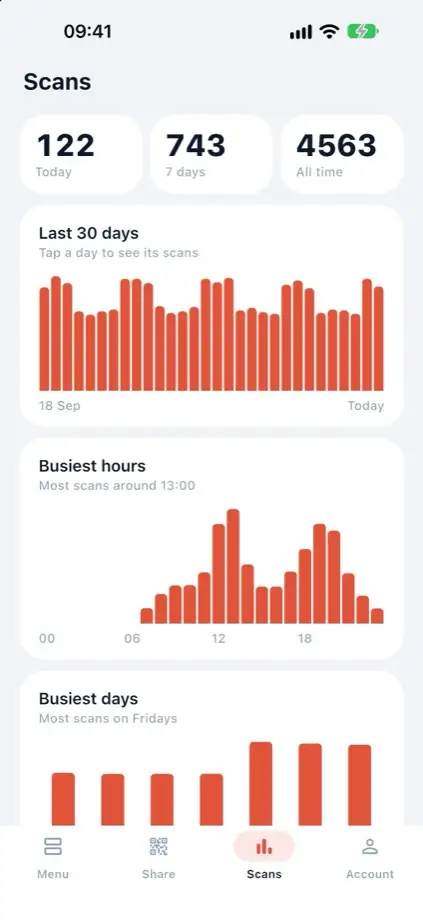
See how often it’s scanned
Scans today, this week and this month, and your busiest hours and days. Counts only: nothing about who scanned.
122 scans today
busiest at lunch!
Sold out? One switch.
Mark an item unavailable and your design crosses it out or hides it, until it’s back.
QR codes ready to print
Table cards, a table tent that folds in half, round stickers or a poster, in your menu’s colours.
Any language, any currency
Type your menu the way your customers read it. Right-to-left languages are laid out right to left.
- Menu
- Cardápio
- قائمة الطعام
- メニュー
- Menú
- La carte
- Меню
- Speisekarte
- Menü
- Il menù
Photos that sell
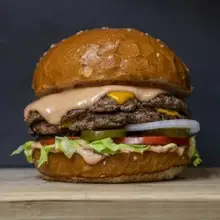
A photo of every item, or one over every section, plus your logo, a cover photo, opening hours and contact details.


Why Priceboard asks for Google Drive
Priceboard keeps your menu in your own Google Drive so your customers can open it from the QR code. It can only see and change the files it creates there, nothing else in your Drive. We don’t store your menu, and there are no ads. See the privacy policy.
Free downloads
Free templates for small businesses
Spreadsheets, templates and checklists for cafés, restaurants, salons and shops, free to download. The first ones are on their way.
See the free downloads →Is Priceboard really free?
Yes. The app is free to download, and making your menu or price list, printing it as a PDF, saving it to your Google Drive and sharing it with a QR code costs nothing. There are no ads in the app.
Do I have to reprint my QR code when my prices change?
No. Change a price, add an item or mark one unavailable in the app, tap Publish changes, and the QR code you already printed opens the new version of your menu.
What do my customers see when they scan the QR code?
Your menu, on their phone, in a design made for reading on a small screen. They don’t need to install an app or sign in.
Can I make a price list, not just a menu?
Yes. Priceboard works for anything with items and prices: cafés, restaurants, bakeries and food trucks, but also hair salons, barbers, beauty and nail studios, car washes, repair shops and market stalls.
Does it work in my language and currency?
Yes. Type your menu in any language and write prices in any currency. Designs handle right-to-left languages such as Arabic, and scripts such as Cyrillic and Japanese. The app itself is in English, Spanish, Portuguese, French and Arabic.
Can I print the menu myself?
Yes. Every printed design is a ready-to-print PDF: print it at home or at a print shop, or send the file. Your QR code also comes laid out to print as table cards, a table tent, round stickers or a poster.
Where is my menu kept?
On your phone, and when you publish it, in your own Google Drive. Priceboard can only see the files it creates there, nothing else in your Drive, and we don’t store your menu.
Do I need an account?
Not to make and print your menu. To get a QR code, you sign in with Google, so the menu your customers open can be kept in your own Google Drive.
Which phones and tablets does it work on?
iPhone and iPad, from the App Store, and Android phones and tablets, from Google Play. On a tablet, you edit with a live preview of your menu next to it.
How many designs are there?
A big library of designs for cafés, restaurants, bakeries, food trucks, salons and more, with new ones added regularly. Each shows your own menu in it before you choose, and you can change its colours, lettering, background and artwork.
Your new menu is one download away.
Download Priceboard, pick a design, and have your menu and its QR code ready to print today. It’s free.
on a computer?
scan me with
your phone!